Features
Toisto combines high-speed video capture, instant replay, and an AI coach that remembers you across sessions and builds long-term training plans on iPhone and iPad. Here is a closer look at capabilities that set it apart.
Recording & replay
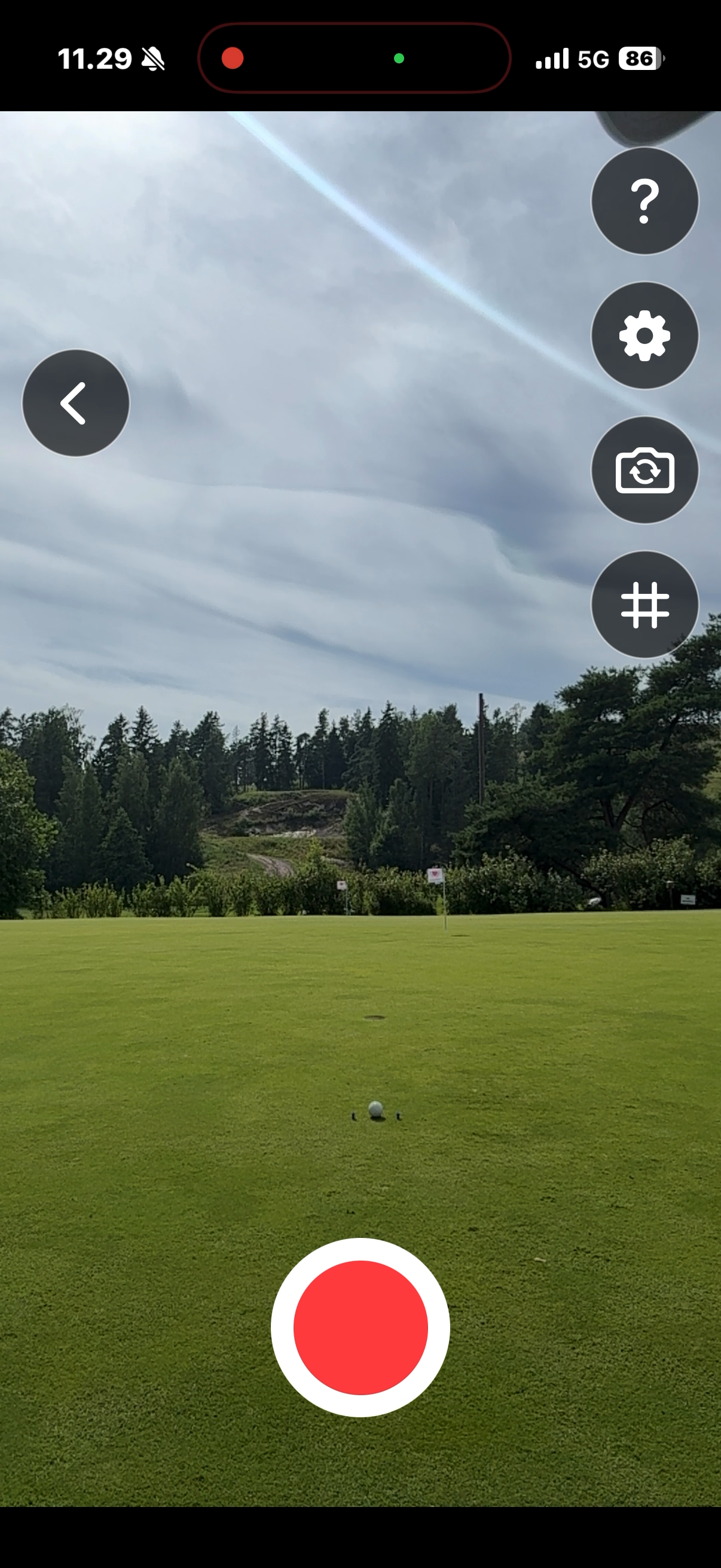
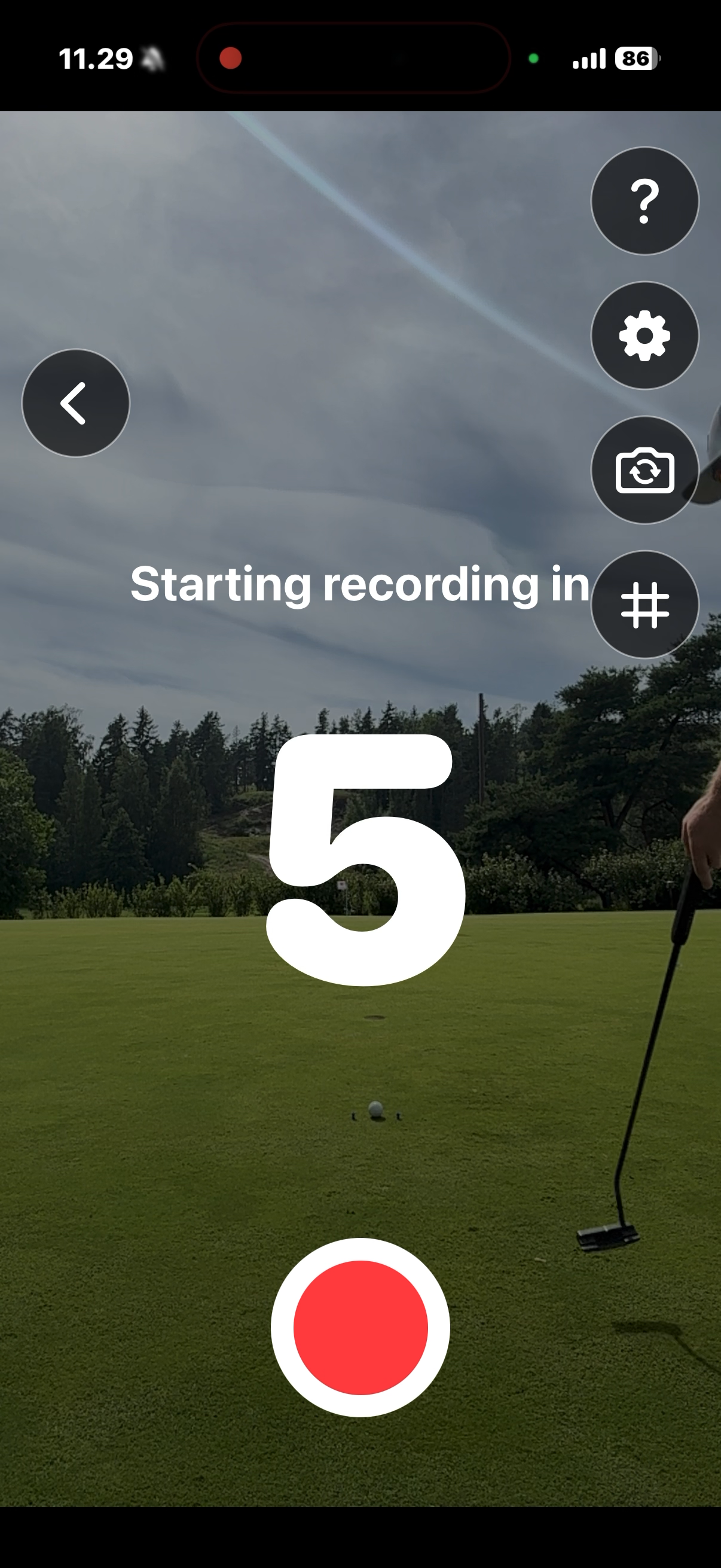
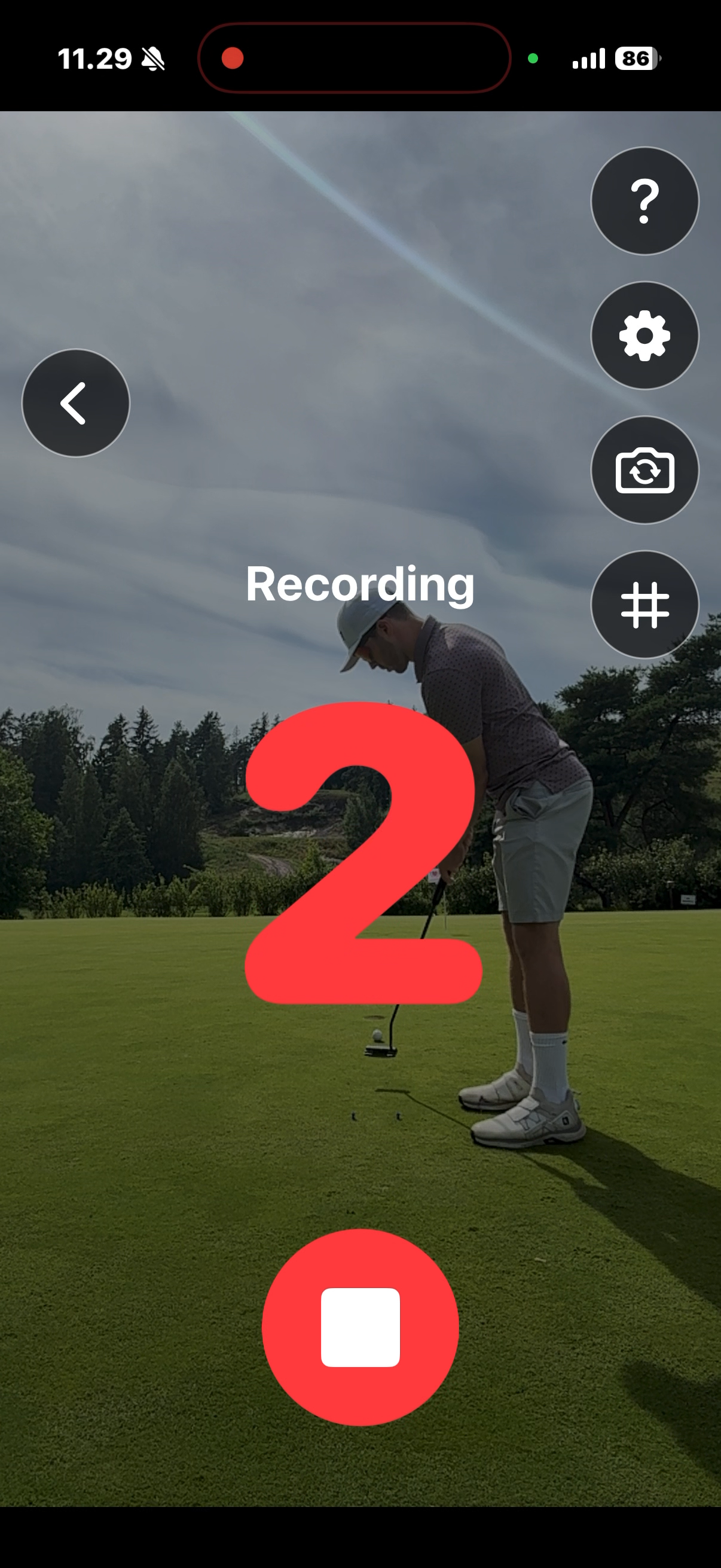
Position your device, start a hands-free countdown, and capture each swing at high frame rate — fixed-length clips mean no trimming long videos afterward. Step into your setup, hit the shot, and review right away.
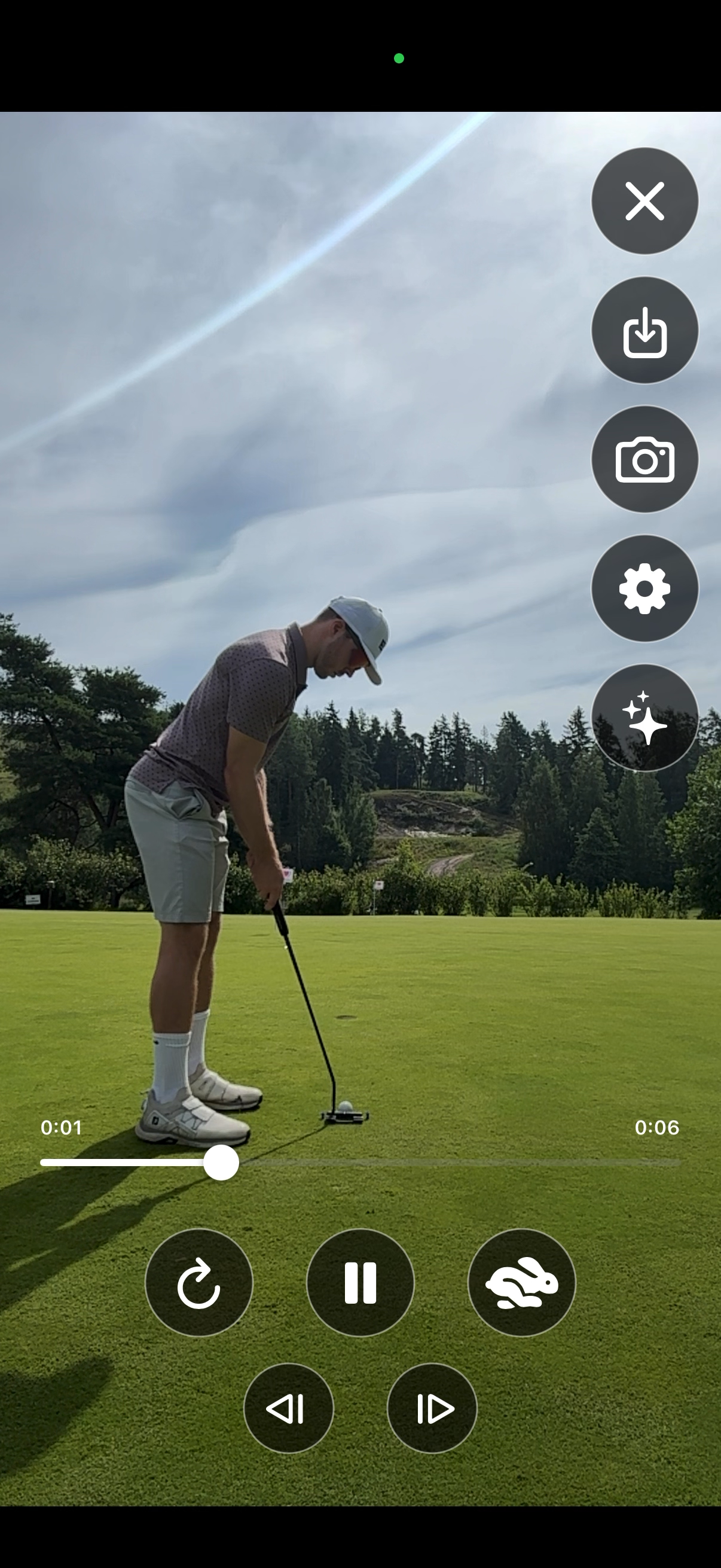
Scrub through every swing in regular speed, slow motion, or one frame at a time to study positions from takeaway to follow-through.
AI swing analysis
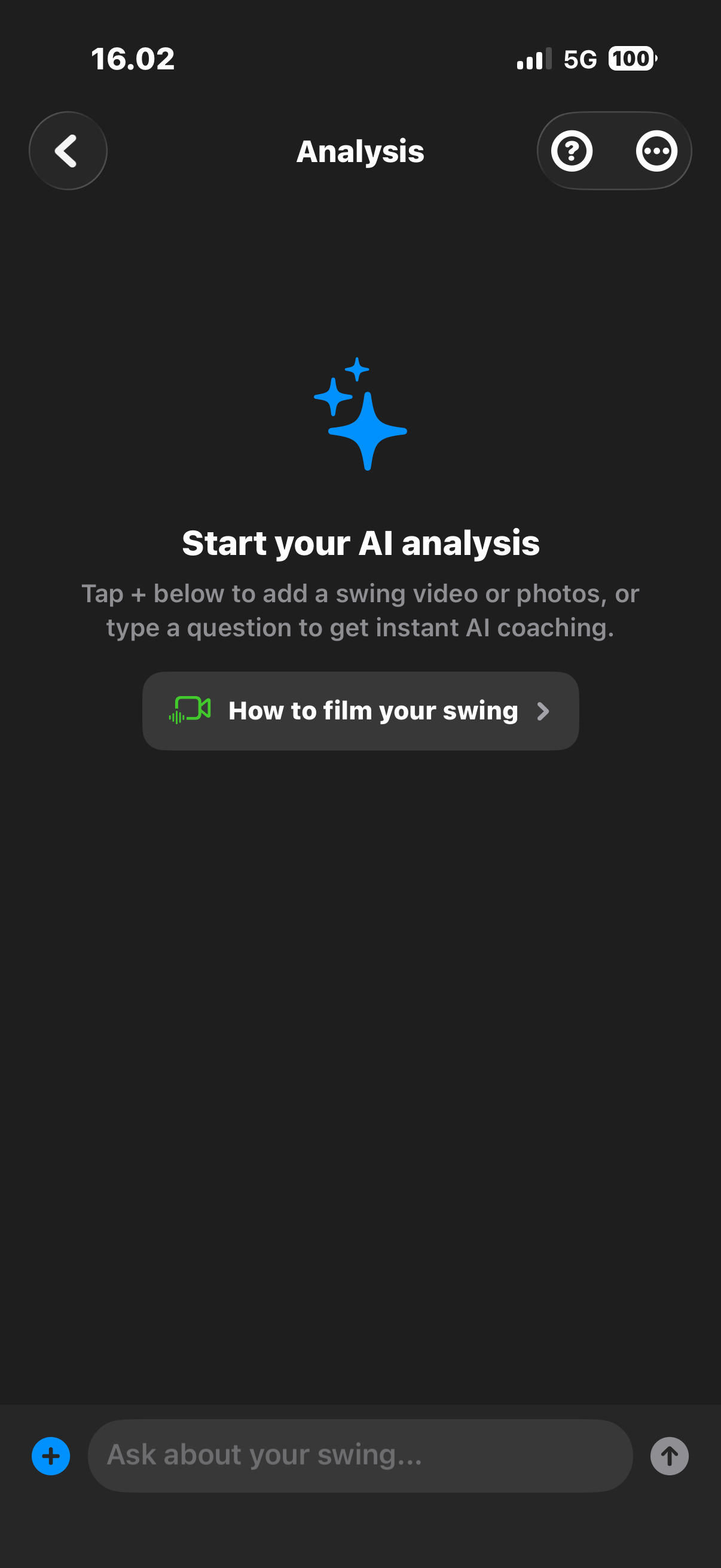
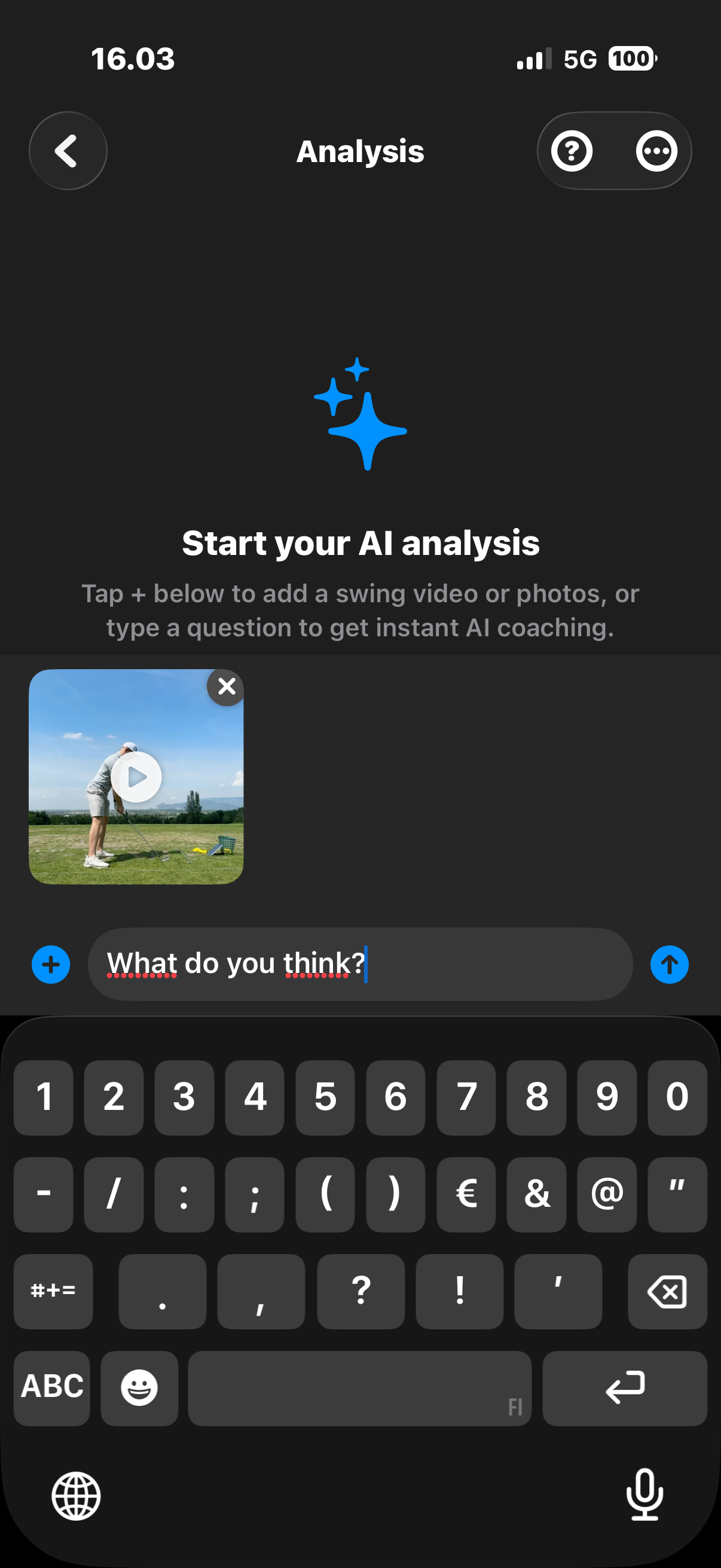
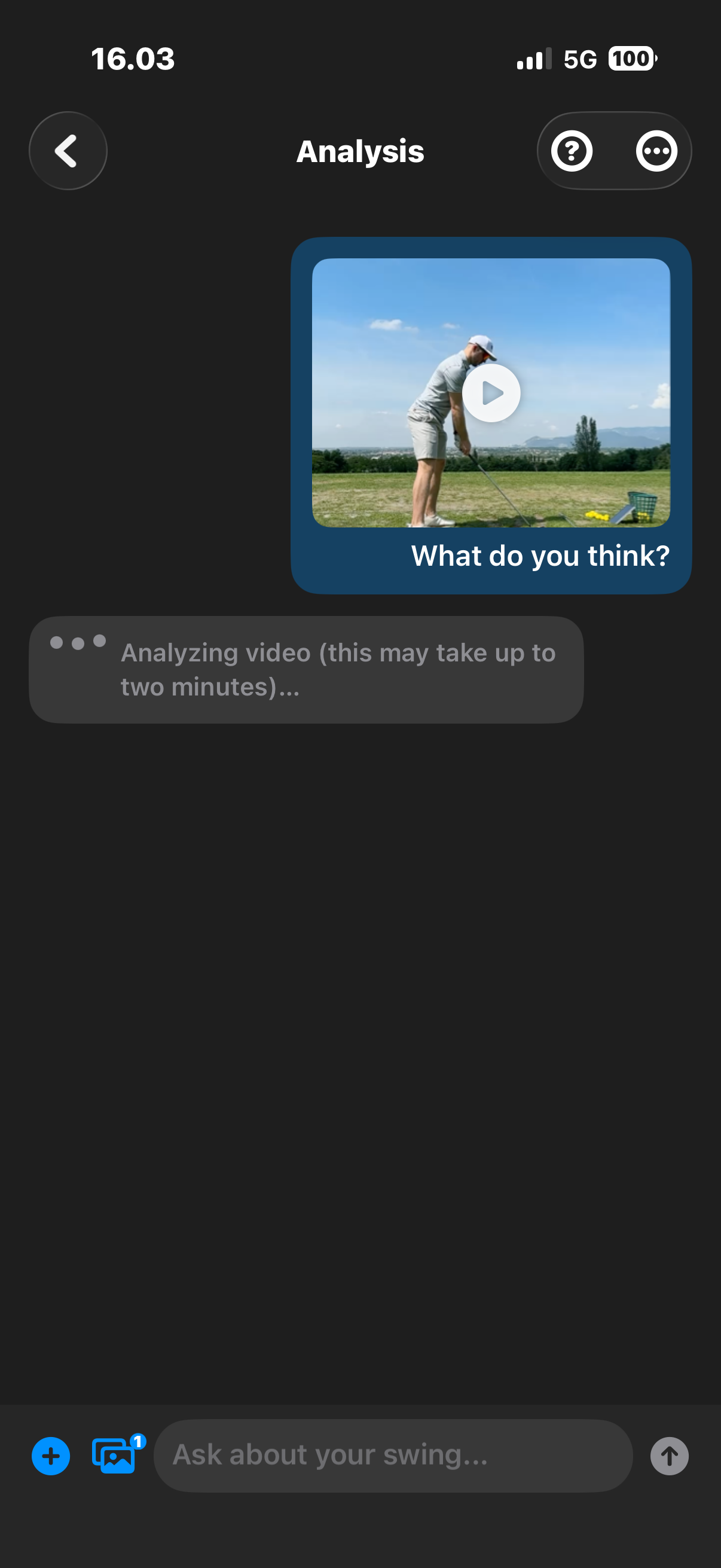
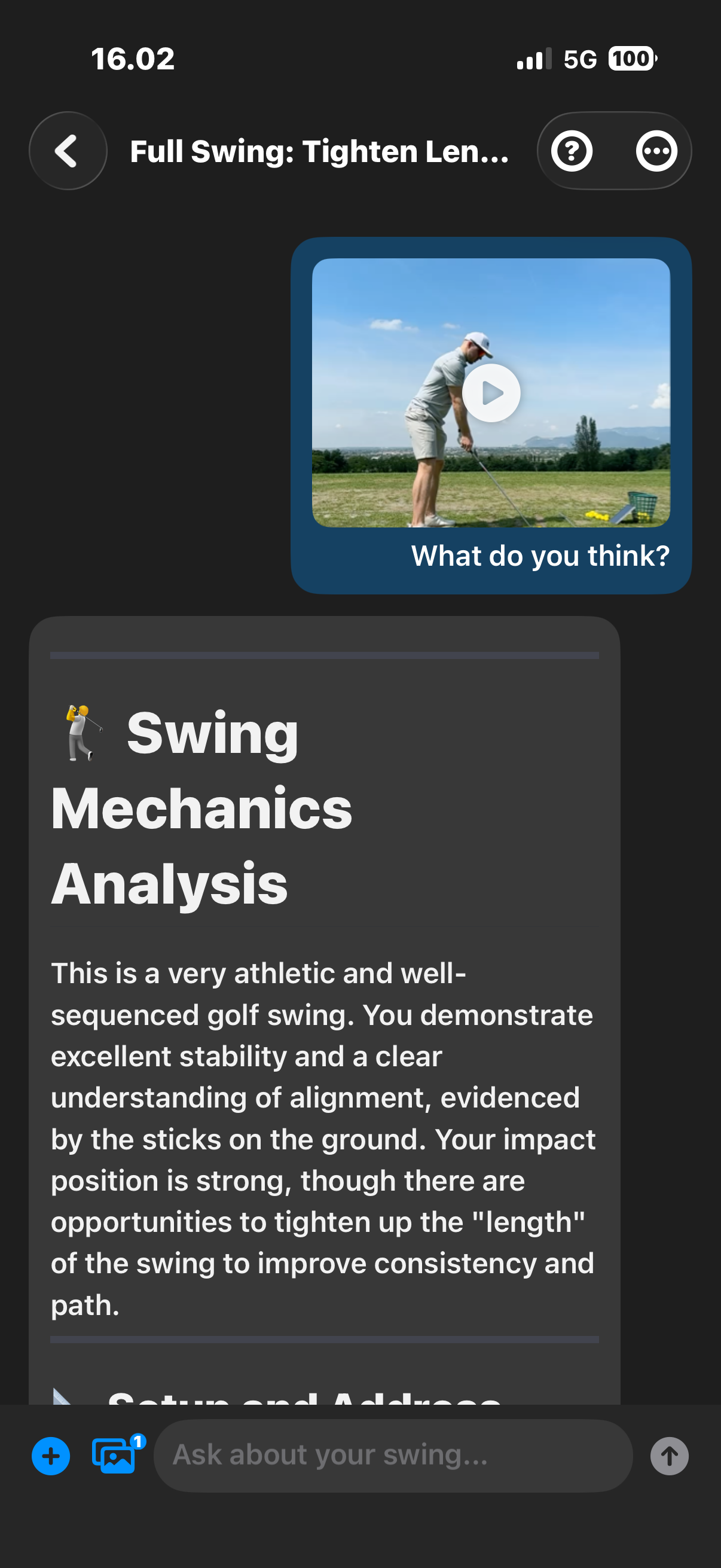
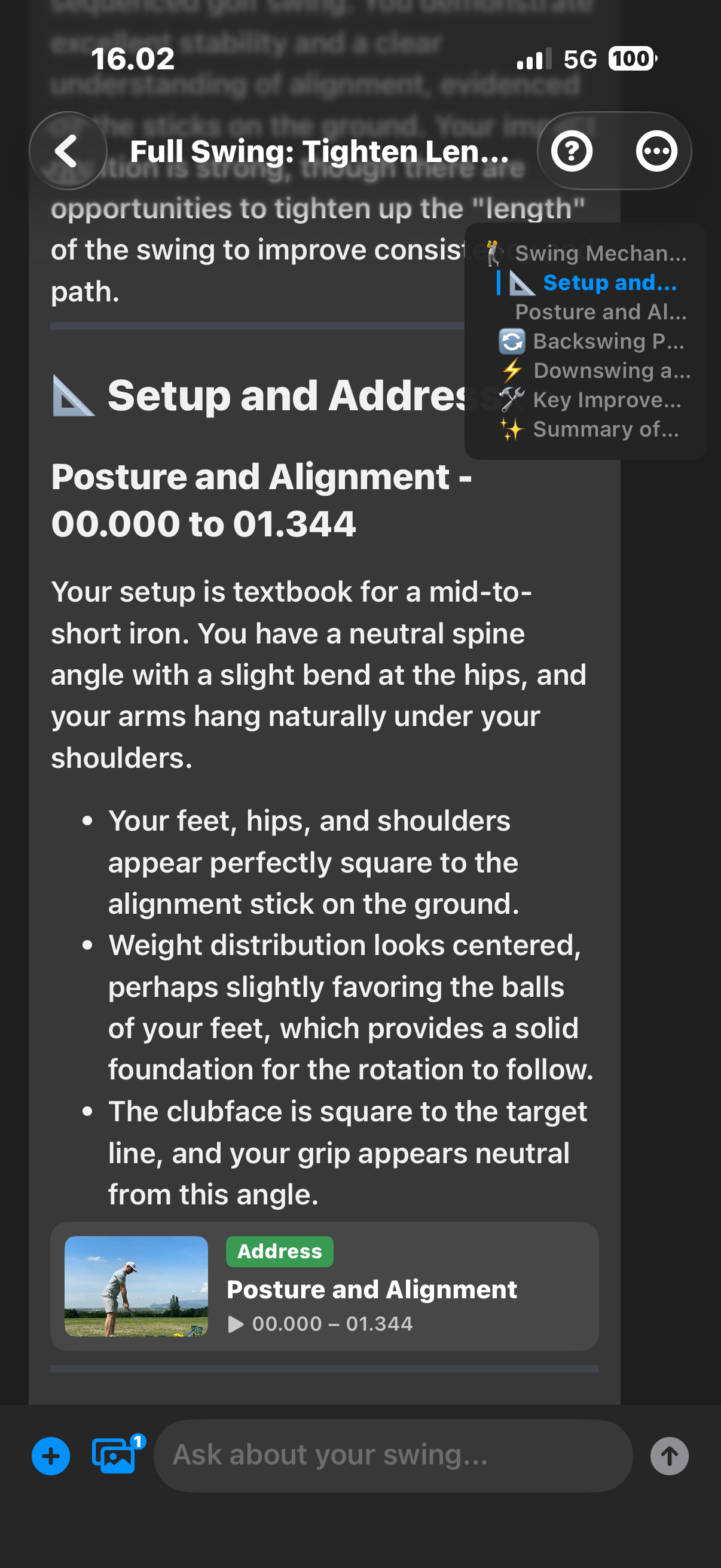
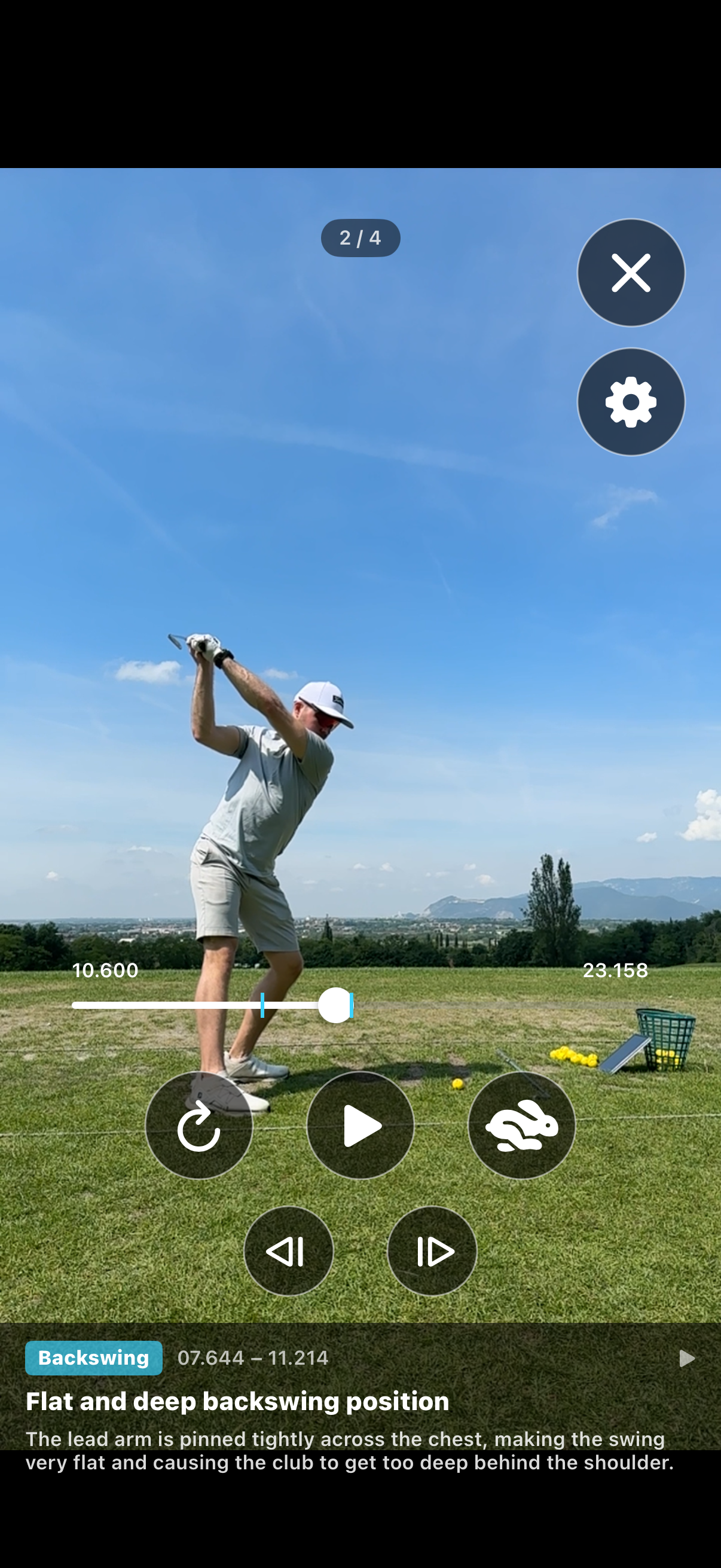
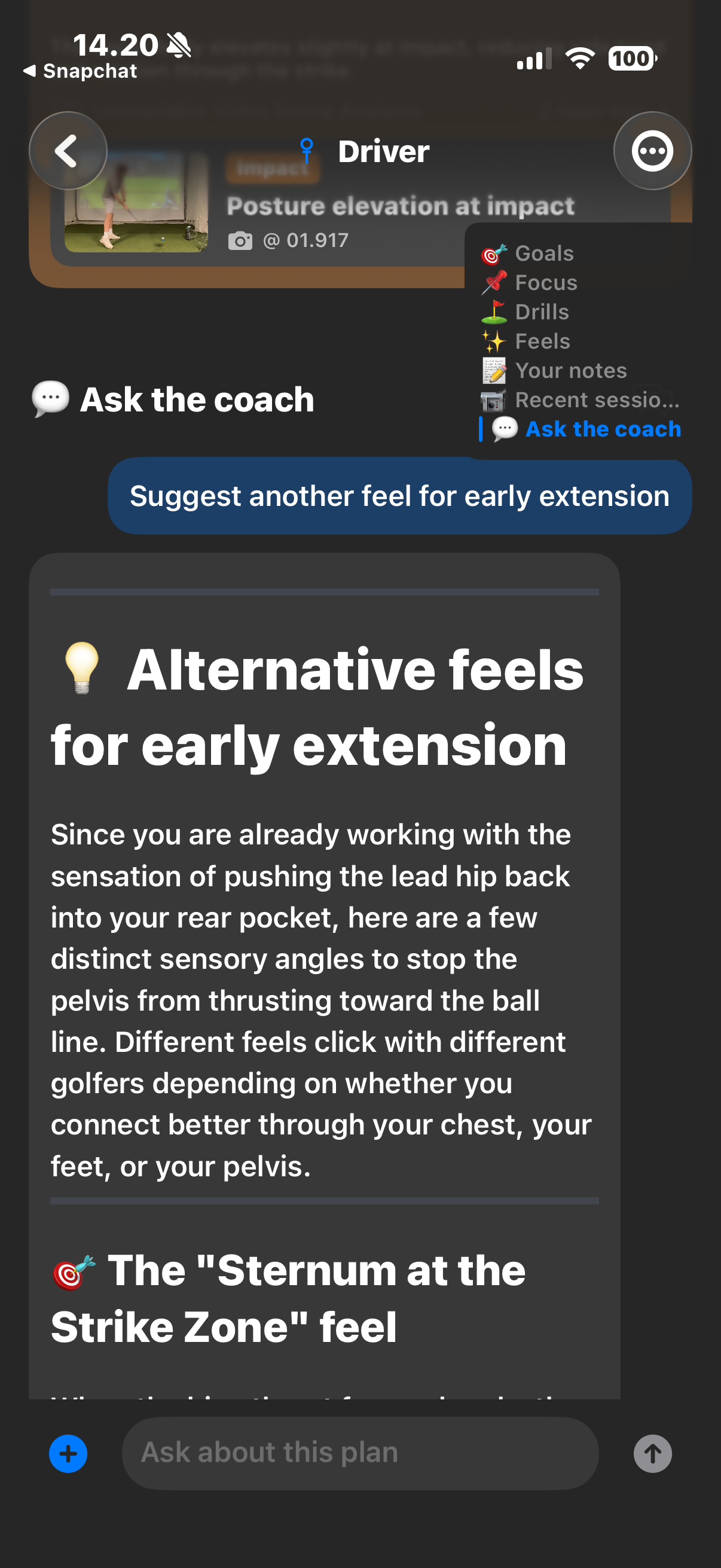
Send a swing video or photo to a private chat—use a recording you just captured in Recording mode, or upload from your gallery. Ask what you want to improve and receive coaching feedback with timestamped swing segments. Drill into each phase with built-in video replay, then ask follow-up questions in the same conversation to clarify what you are seeing and what to work on next.
The coach carries what it has learned about you into later chats. Your content is stored in the EU and is not used to train AI models. Analysis runs on Google Cloud and is not pinned to an EU region.
Long-term training plans
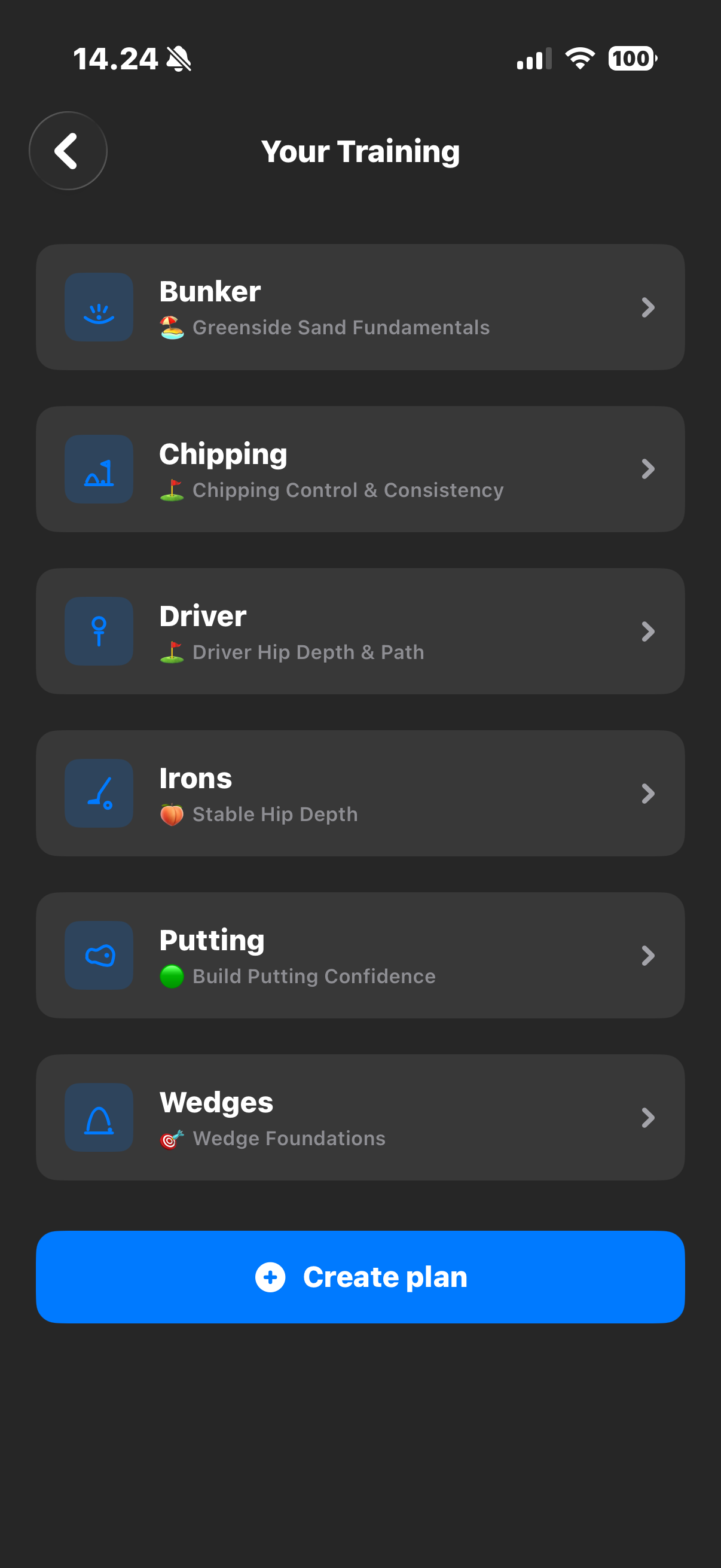
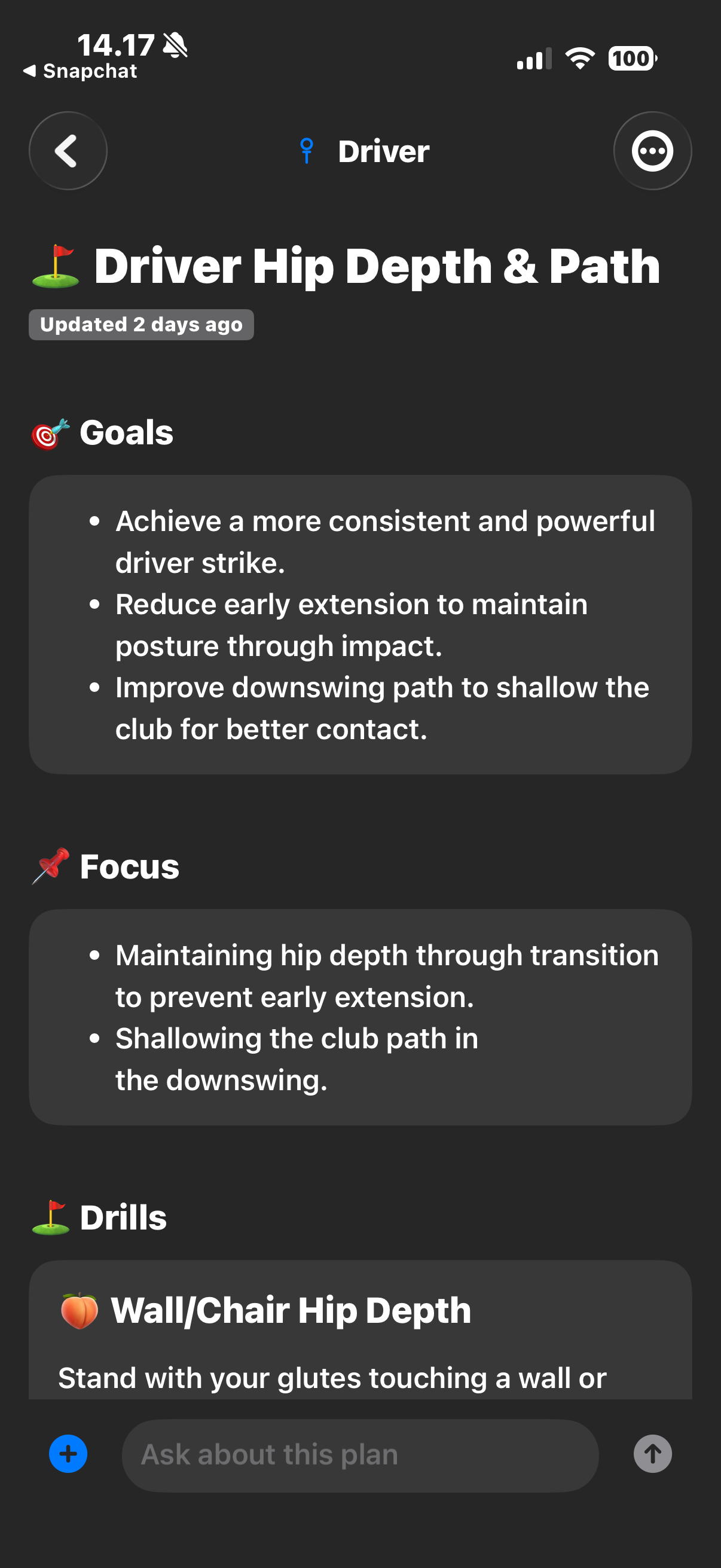
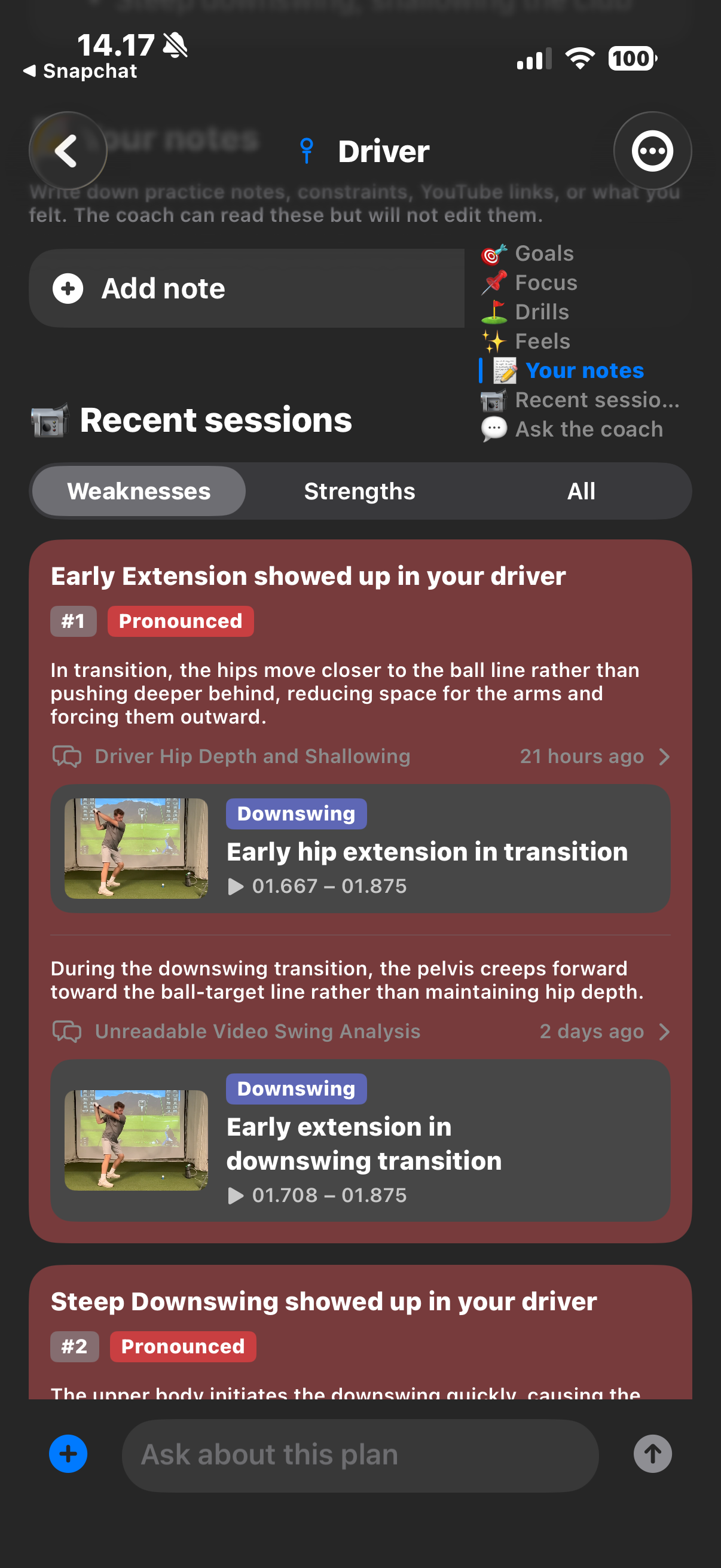
Your AI coach builds long-term training plans so each session picks up where you left off. Open Your Training from Home for a plan per club or shot — driver, woods, irons, wedges, chipping, bunker, and putting. Each plan holds the goals, drills, and feels you are working on together. Open a plan, train from it, and send recorded swings to it to get feedback and follow your progress.
The coach remembers you across sessions — handicap, equipment, goals, and facts from chats. You can review or edit that picture in Settings → Coach Memory, or start an Incognito Analysis for a one-off chat that is not saved to memory.
Two-device mode
Pair two devices in seconds and split the work: one stays on the tripod as the camera, the other nearby for replay. From that second device you get a live preview of your setup, start and stop recording remotely, and replay each swing right away — in slow motion or frame by frame — without walking back to the camera behind you. Any mix of iPhone and iPad works.
Recommended setup: iPhone on the tripod for recording, iPad nearby for replay. The iPhone is compact and easy to position behind your swing; place the iPad within reach on a stand or cart so its larger screen makes slow motion and frame-by-frame review easy between shots.
The devices connect directly over a local peer-to-peer link, so no internet connection is required and it works anywhere on the range.
 Download on the App Store